Settings and Shortcuts
Every keyboard shortcut and every setting in Hop's settings app, with its default.
All of Hop's settings are in one app. Open it with the gear on the island's last page. It has an Island tab and, when Hop Clipper is installed, a Clipper tab. Every change is saved and applied straight away.
Keyboard shortcuts
| Keys | Where | Action |
|---|---|---|
F8 | Anywhere | Save a clip of the last 15 seconds, 30 seconds or minute |
Ctrl + Shift + F8 | Anywhere | Quit Hop Clipper |
Ctrl + Z | Settings app, Island tab | Undo the last change |
Important
F8belongs to Hop Clipper while it runs. If another program already usesF8, Hop Clipper cannot start. See Troubleshooting.
On the island
| Do this | To |
|---|---|
| Hover the pill | Open the island |
| Scroll on the open island | Move between its pages |
| Swipe a card or alarm up | Dismiss it |
| Drag the island | Move it anywhere on the screen |
| Drop a file on it | Upload the file and copy its link |
| Click the ping gauge | Run a speed test |
Click the pop-up after F8 | Change that clip's length |
Island settings
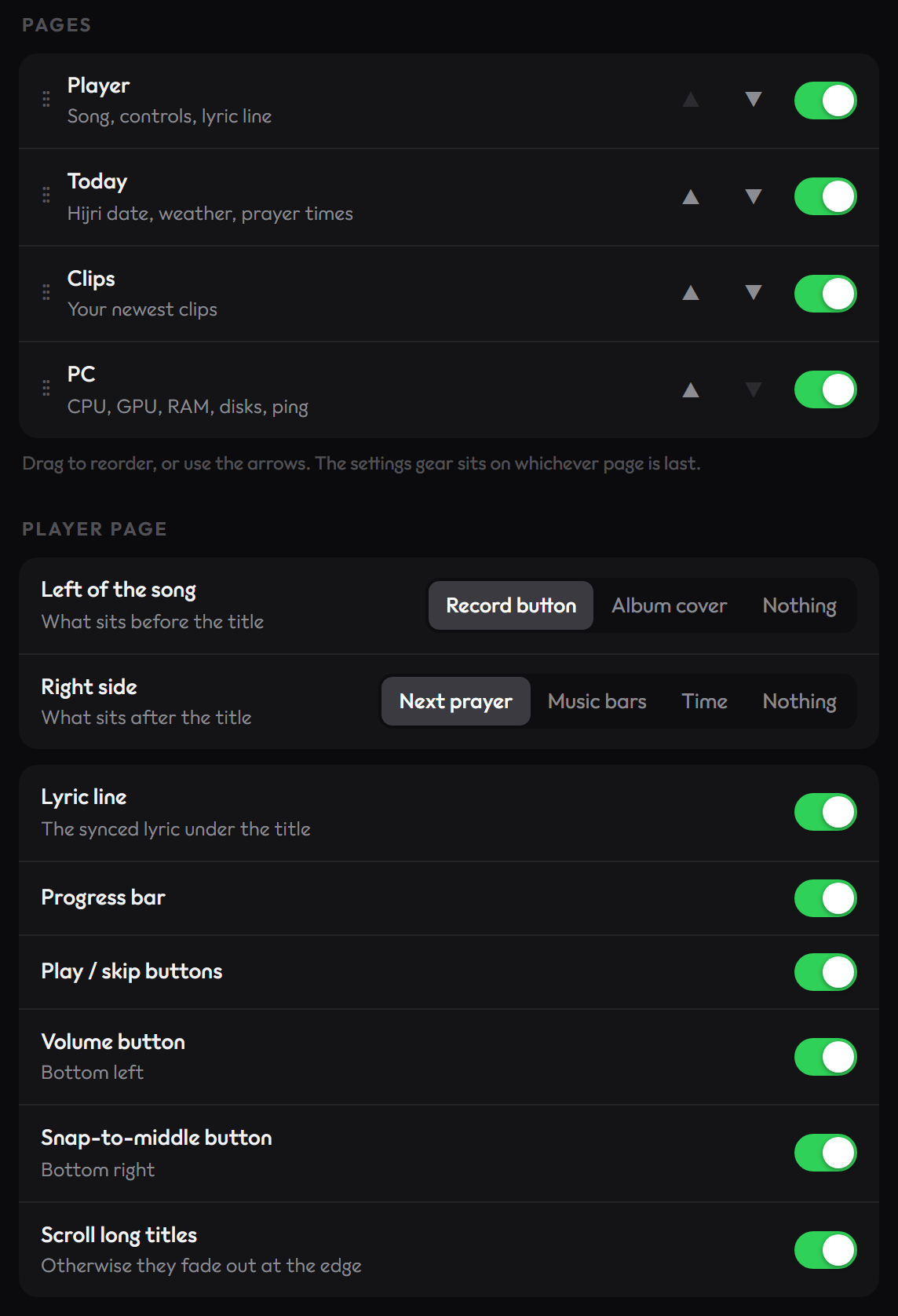
Pages
The island has four pages: Player, Today, Clips and PC. Drag them to reorder them, or use the arrows, and switch a page off to hide it. The settings gear sits on whichever page is last.
Player page
| Setting | Default | Options |
|---|---|---|
| Left of the song | Record button | Record button, Album cover, Nothing |
| Right side | Next prayer | Next prayer, Music bars, Time, Nothing |
| Lyric line | On | The synced lyric under the title |
| Progress bar | On | On, Off |
| Play / skip buttons | On | On, Off |
| Volume button | On | Bottom left |
| Snap-to-middle button | On | Bottom right |
| Scroll long titles | On | Off fades them out at the edge instead |
Closed pill
| Setting | Default | Where |
|---|---|---|
| Album cover | On | Left end |
| Time | On | Middle |
| Music bars | On | Right end |
Pop-ups
| Setting | Default | Shows |
|---|---|---|
| Charging | On | When you plug in |
| Low battery | On | At 15% and 5% |
| Bluetooth audio | On | When headphones connect |
| Prayer countdown | On | The last 15 minutes before a prayer |
| Clip saved | On | The card with Open and Copy after F8 |
Today page
Four switches, all on by default: Hijri date, Ramadan / Eid countdown, Weather for your city, and Prayer times (the strip along the bottom).
PC page
Six gauges, all on by default: CPU, GPU, RAM, System drive (free space), Second drive (free space on your biggest other drive) and Ping.
Location and prayer
| Setting | Default | Options |
|---|---|---|
| Your city | None | Search for a city. Prayer times and weather need one. |
| Calculation method | ISNA (North America) | 14 methods. Pick what your local mosque uses. |
| Asr time | Standard | Standard, Hanafi |
| Prayer alarm | On | The island opens at each prayer time |
| Chime | On | The bell sound with the alarm |
The calculation methods are ISNA (North America), Muslim World League, Umm al-Qura (Makkah), Egyptian Authority, Karachi, Tehran, Gulf Region, Kuwait, Qatar, Singapore, France (UOIF), Turkey (Diyanet), Moonsighting Committee and Dubai.
Look
| Setting | Default | Options |
|---|---|---|
| Settings theme | System | System, Light, Dark. System follows Windows. |
| Album colours | On | Bars and lyrics take their colour from the cover. Off makes them white. |
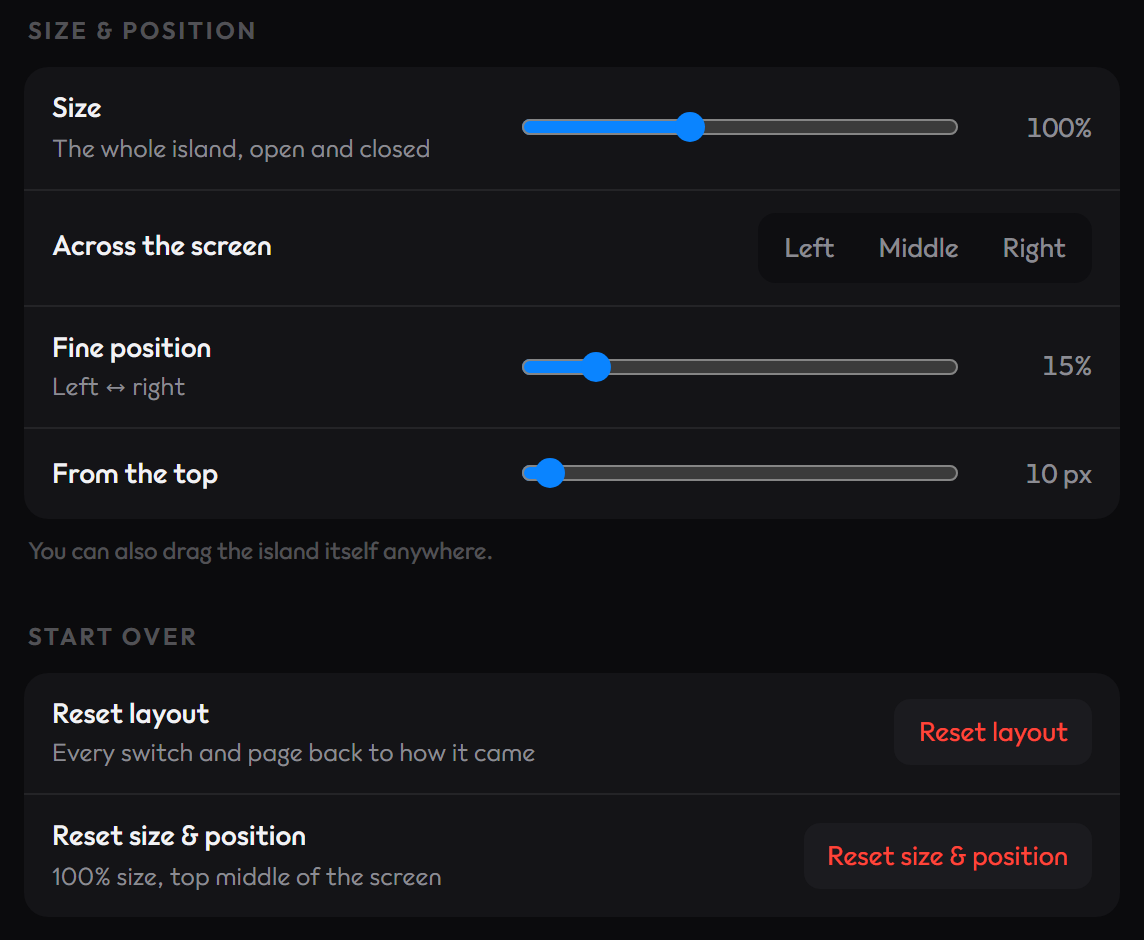
Size and position
| Setting | Default | Range |
|---|---|---|
| Size | 100% | 70% to 150%, for the whole island, open and closed |
| Across the screen | Middle | Left, Middle, Right, or a fine position |
| From the top | Just below the top edge | 0 to 300 |
You can also drag the island itself anywhere.
Updates
Check for updates automatically is on by default: Hop looks when your PC starts and once a day. Check now looks right away, and Update now appears when there is a newer version.
Start over
Reset layout puts every switch and page back to how it came. Reset size & position returns the island to 100% size at the top middle of the screen. Undo, at the top of the window, takes back one change at a time.
Clipper settings
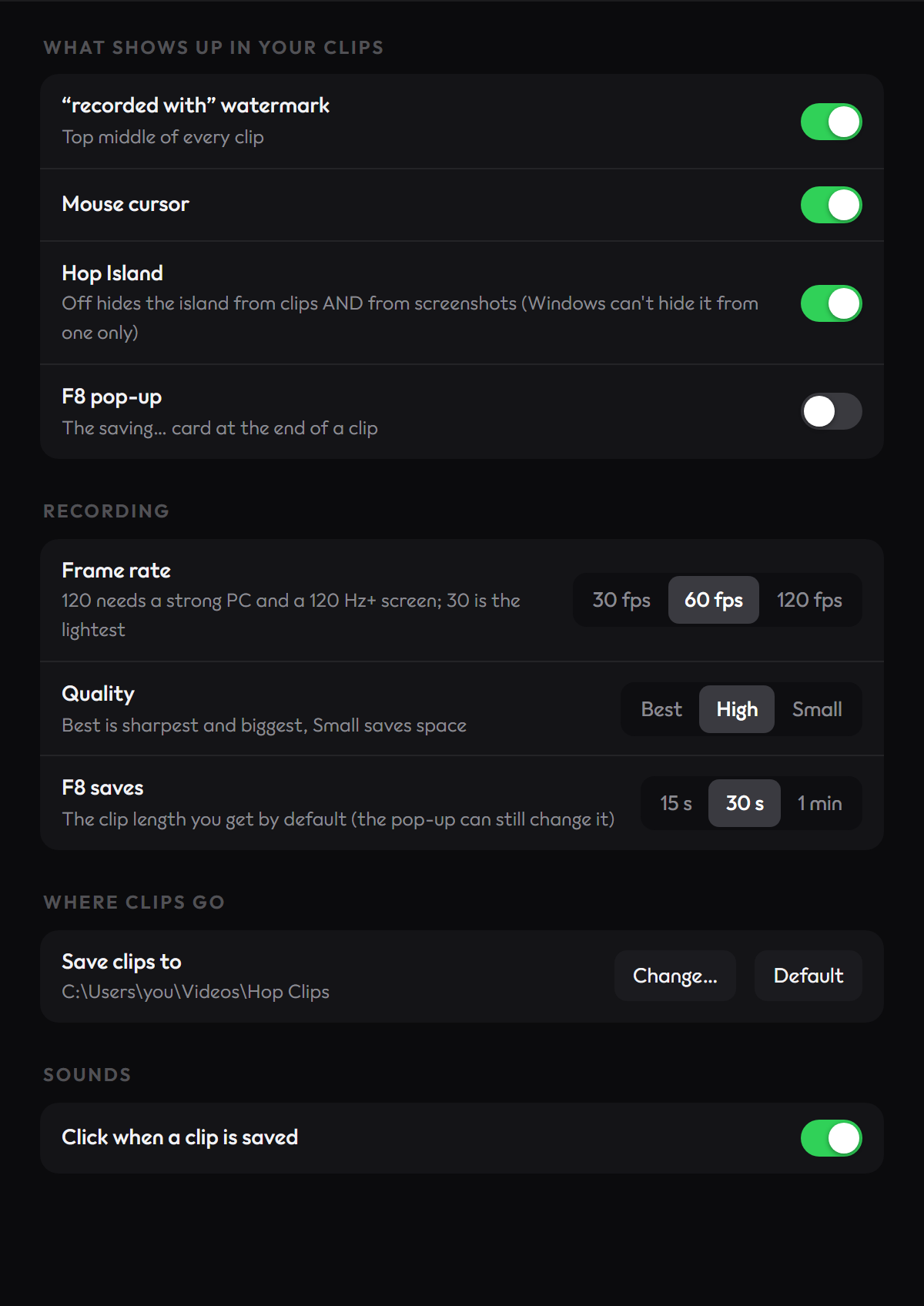
What shows up in your clips
| Setting | Default | Notes |
|---|---|---|
| "recorded with" watermark | On | Top middle of every clip |
| Mouse cursor | On | |
| Hop Island | On | Off hides the island from clips and from screenshots |
| F8 pop-up | Off | The saving card at the end of a clip |
Warning
Turning Hop Island off hides the island from clips and from screenshots. Windows cannot hide it from one only.
Recording
| Setting | Default | Options |
|---|---|---|
| Frame rate | 60 fps | 30, 60, 120 fps. 30 is the lightest. |
| Quality | High | Best is sharpest and biggest, Small saves space |
| F8 saves | 30 s | 15 s, 30 s, 1 min |
On a PC with 4 CPU threads or fewer, or less than 8 GB of RAM, the frame rate starts at 30 fps.
Where clips go and sounds
| Setting | Default | Options |
|---|---|---|
| Save clips to | Videos\Hop Clips | Any folder. Default goes back. |
| Click when a clip is saved | On | On, Off |